
Colour. Snap. Smile.
We turn drawings into big smiles.
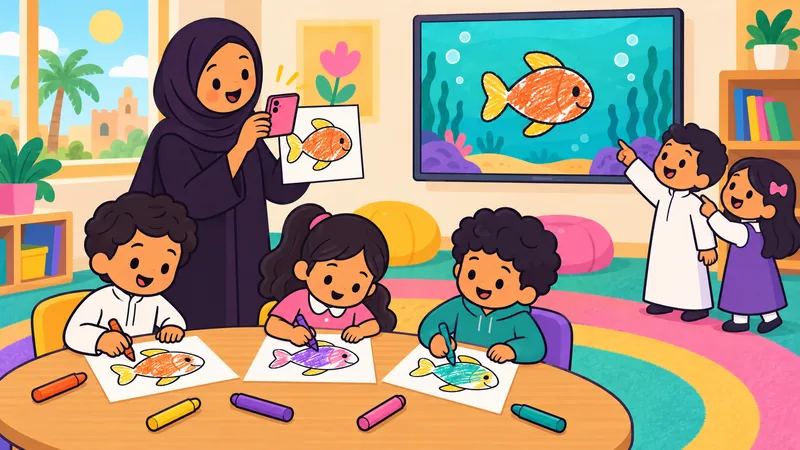
Rasmile is a children's activity that brings their colouring to life on the big screen. Kids colour a Rasmile sheet, a grown-up snaps it with a phone, and seconds later the drawing wakes up: swimming, racing, dancing or running right next to their friends'.
- Just a screen and a phone
- Photos are never kept
- Arabic and English
Three steps
From paper to the big screen in seconds
- 1
Colour
Kids colour a Rasmile sheet with crayons or coloured pencils (not just any drawing: each sheet has its own character and moves). Or they colour straight on a tablet.
- 2
Snap
A grown-up scans the QR code on the screen and snaps the sheet with their phone. No app, no sign-up.
- 3
Smile
Seconds later the drawing wakes up and moves on the big screen like a cartoon, in the child's own colours. That's the smile.
On the big screen
20 experiences for kids. Every drawing gets a part.
Pick an experience in the dashboard, print its sheets and leave the rest to the kids. Switch whenever you like. Here are a few:


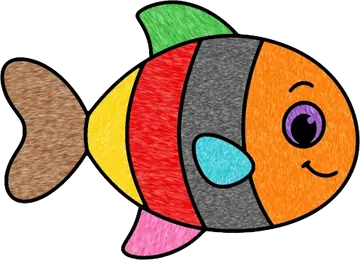



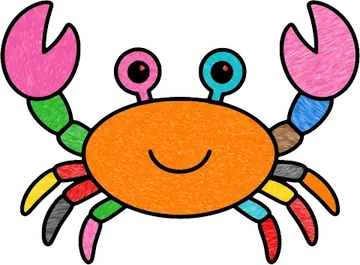

Red Sea
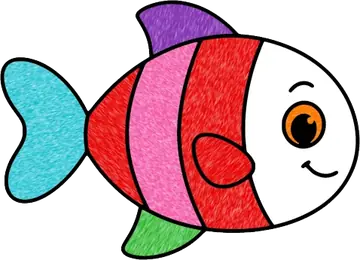
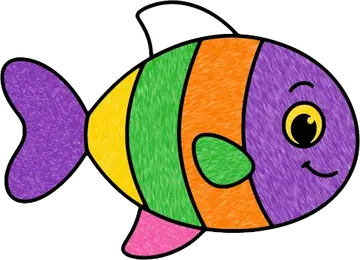
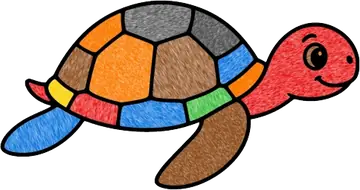
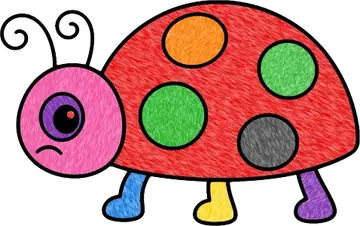
One big shared Red Sea, and every creature in it was coloured by a kid. The camera visits each drawing in turn, and the sea moves through six places.
What kids colour
- +2
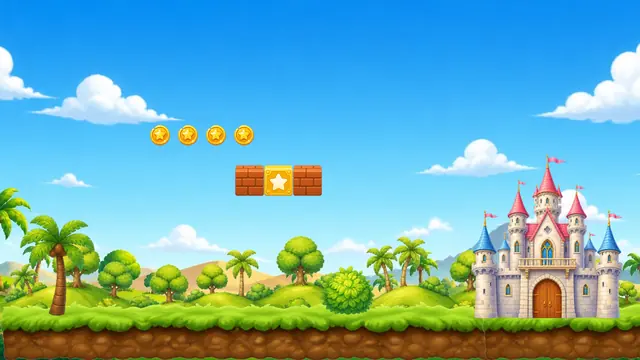



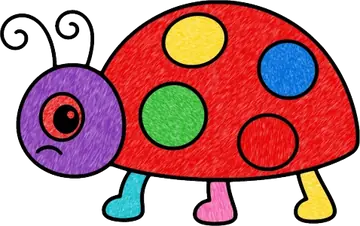
Castle Quest
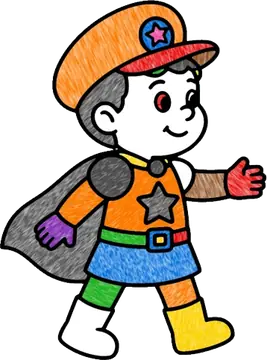
A one-minute adventure with a hero, a princess, beetles and birds, all coloured by the kids. Watch it, or play the hero from a phone.
What kids colour






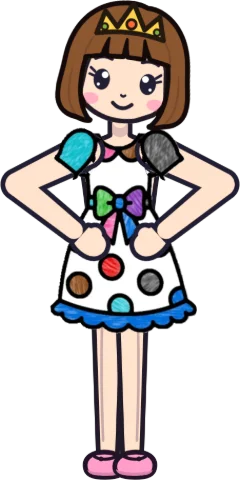
Dress-Up Party
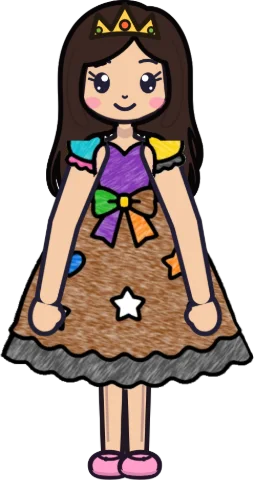
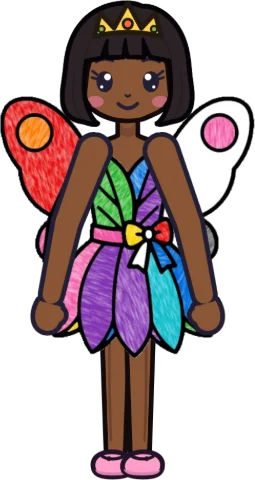
Each child colours an outfit and picks a doll on the phone; the doll walks the runway in it, poses for the cameras and joins the party.
What kids colour


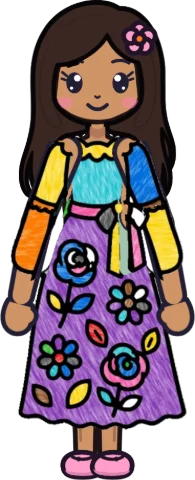
- +3
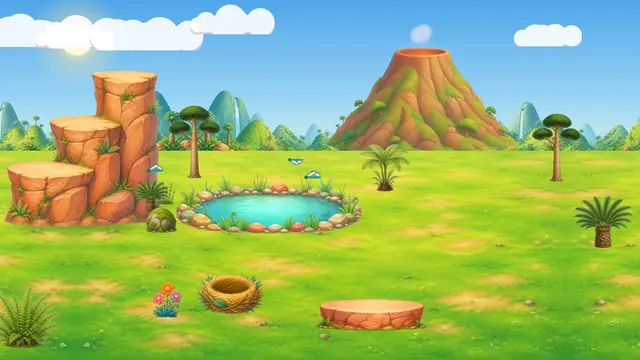
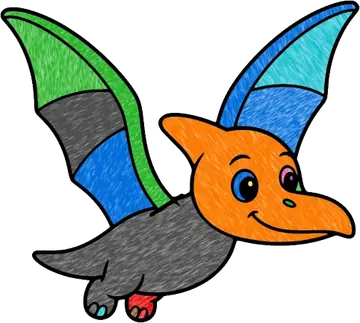
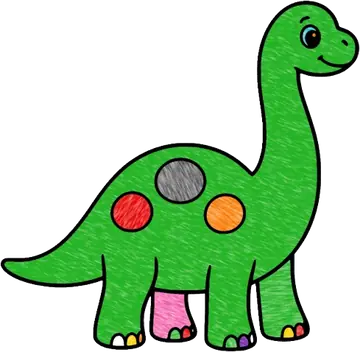
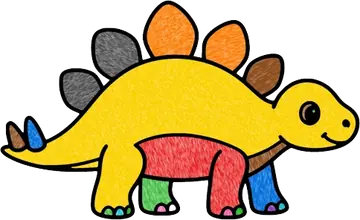
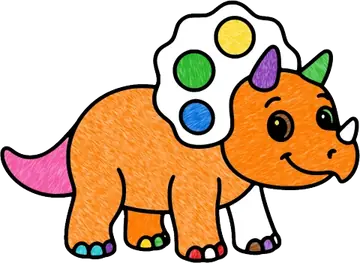

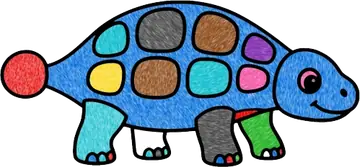
Dino Valley
Each drawing arrives as an egg in the nest, wobbles, cracks and hatches. Then a volcano that goes BOOM, roar time, a dino dance the whole class copies, and bedtime.
What kids colour
- +1


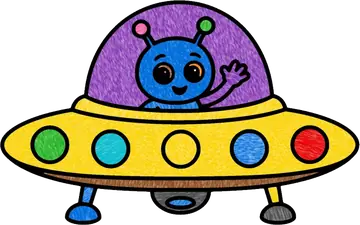
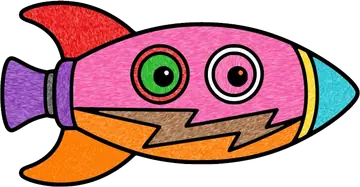
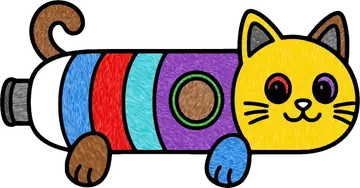


Rocket Race
Rockets line up on a desert launch pad, a countdown, and they're off! At the finish every rocket gets a star.
What kids colour
- +1


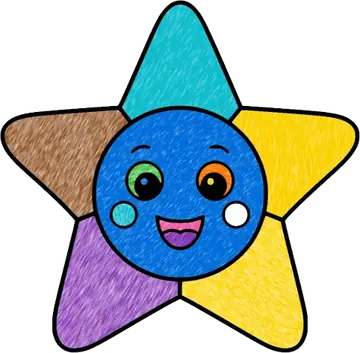


Story Time
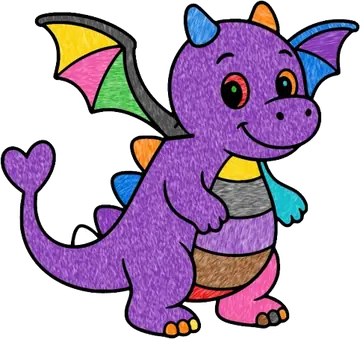
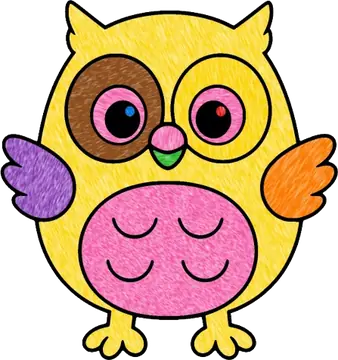
Colour the dragon, the owl, a star or a bunny, and watch your drawings act out a story read aloud in Arabic or English.
What kids colour





Founding Day Parade
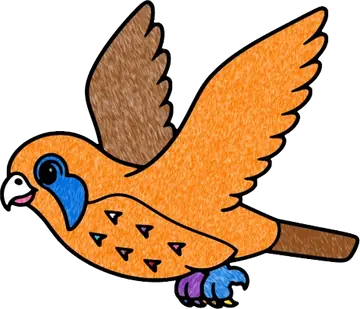
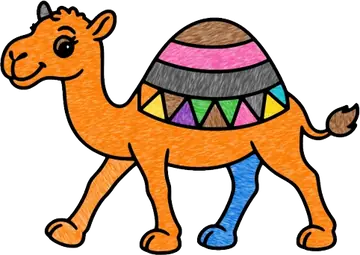
Colour an Arabian horse, a camel, a falcon, a palm tree, a coffee pot or a drum and watch it join the parade: Ardah drums, coffee and dates, the Diriyah story and fireworks for 300 years since 1727.
What kids colour
- +1
Something for every day: 20 experiences, and more on the way
See all the experiences- GamesRaces, matches, quizzes and dancing8
- StoriesStories everyone joins in4
- CalmGentle shows for quiet moments4
- Good habitsBrushing, mealtimes and big steps4
- LearningWords, animals, nature and quizzes5
- SaudiFounding Day, Ramadan and our wildlife4
New experiences keep arriving and the ones here keep getting better. They all reach your account by themselves. More about what's new
For the grown-ups
The drawing is half the fun. You're the other half.
Rasmile is made to be run with a grown-up right there with the kids. And your part is much more than snapping and pressing buttons: you're the host. Ask, cheer and lead the play, and a few minutes in front of the screen become real time together with your children or your class.
FREEZE!
Monster DiscoPress Freeze dance and shout it out: the music stops, and the monsters and the children all freeze together. Try not to giggle!
3… 2… 1… Go!
Rocket RaceCount down out loud with the screen and cheer every rocket through the slow-motion photo finish. Every rocket gets a star, so the applause is for everyone.
1, 2, 3… FLY!
Story TimeIn Story Time the words light up as they're read: read along with the narrator, and when FLY! comes, get the whole room to call it with you.
Right!
Quiz StarsIn Quiz Stars you're the quiz host: write your own questions, read them out and decide, right or not quite. The screen keeps the score.
Top teeth now!
Sparkle SquadStart Brush time and brush along with the buddies for two minutes in front of the big mirror: top, bottom, front and back.
What's its name?
In every experience
When a drawing wakes up on the screen, ask the child who coloured it: what's its name? Where is it going? Why that colour? Kids love telling the story of what they made.
Made to run with a grown-up
A grown-up snaps the drawings and runs the screen from a phone or laptop, and can OK each drawing before it shows. The children colour, watch, cheer, and play from the phone you hand them.
A guide for every experience
In your dashboard, every experience has a guide for grown-ups under Guides: how to run it, why it's good for children, and what to say and ask as you play.
Who it's for
An activity for every place with kids and crayons
Schools & kindergartens
A class activity everyone joins in, and an open day parents talk about.
Find out more
Play centres
The colouring corner becomes a live show on a screen or a projector wall, and waiting time flies by.
Find out more
Families
Colour on a tablet, then watch it come alive on the TV at home. A lovely part of a birthday, too.
Find out moreNothing to install
No special hardware
What you already have is enough: a screen with a browser and a phone with a camera.
If the internet drops for a moment, the screen keeps the show going and reconnects by itself.
Any screen with a browser
A smart TV, a projector, an interactive wall or a laptop plugged into a screen.
A grown-up's phone
Any recent phone with a camera and a browser. Nothing to download.
Any printer
Colouring sheets print from the dashboard on A4 or Letter.
Or skip the printer
Kids colour on a tablet or phone, and the colour stays inside the lines.
Kids' safety
Their drawing goes on screen. Their privacy stays with them.
We don't ask for names or faces
Kids don't need any personal data. A name is optional, and shows on screen only if you switch names on.
The photo is never kept
We process the photo in memory and discard it. Only the drawing is kept.
Deleted automatically
Drawings are deleted after 24 hours (or the time you choose), or right away with one tap.
Your OK first
You can check each drawing before it shows on screen.
Say Rasmile!
Ready for the big smile?
Book a short demo and see Rasmile in action. We can also set up a private trial account for your place.